Online Notepad: Write, Auto-Save & Download Notes in Your Browser
Need to jot something down right now without opening a bulky app or signing into an account? A free online notepad lets you start typing the instant the page loads — and everything
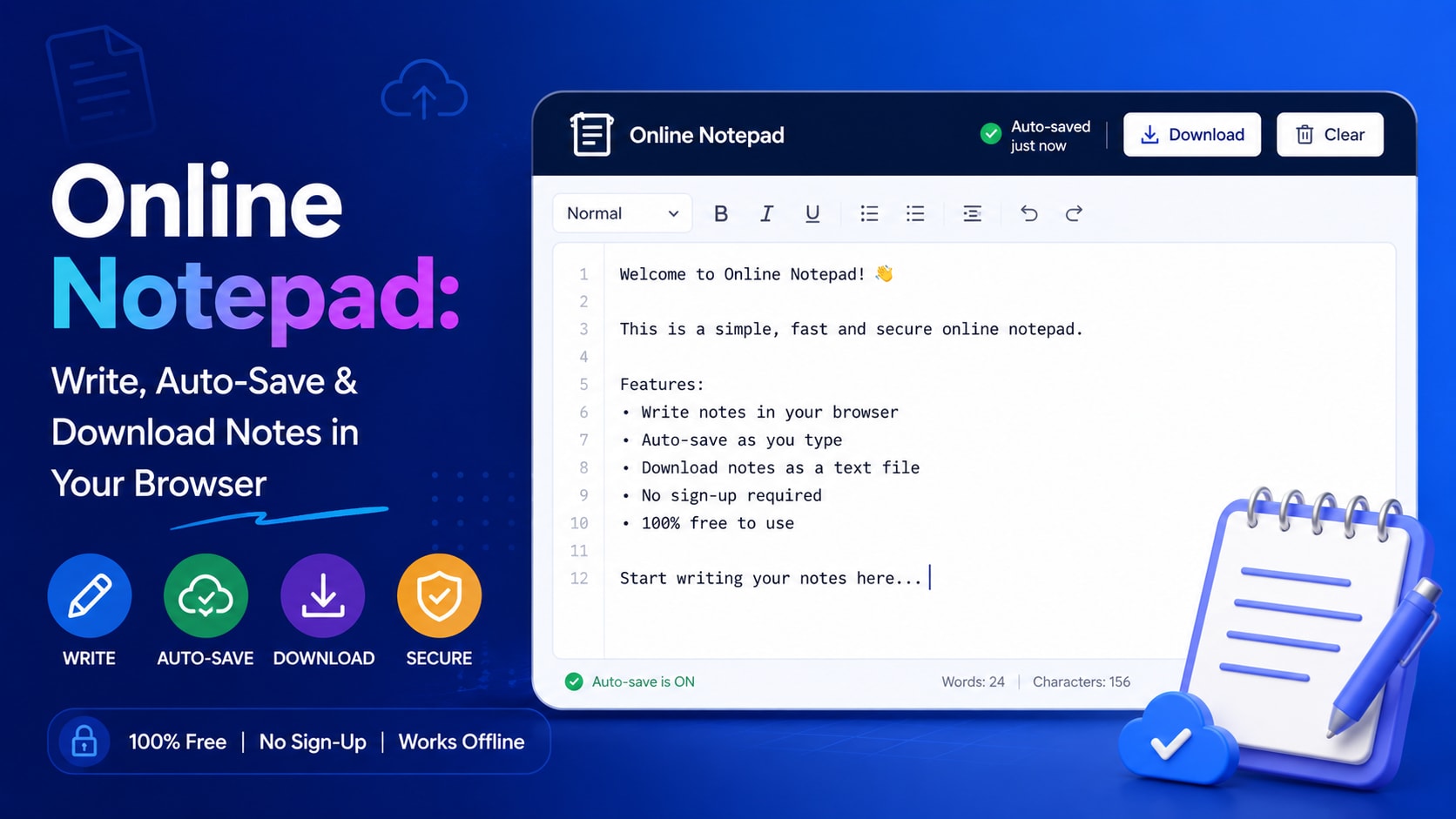
Need to jot something down right now without opening a bulky app or signing into an account? A free online notepad lets you start typing the instant the page loads — and everything you write is saved automatically in your browser.
What is Online Notepad?
An online notepad is a browser-based text editor that stores your notes locally on your device using your browser's storage. There's no installation, no login, and no data sent to a server — making it one of the fastest and most private ways to capture text on any computer or phone.
How to use it
- Open the notepad and click anywhere in the editor to start typing.
- Your text auto-saves every couple of seconds — no save button needed.
- Use the toolbar to format text, count words, or change the font size.
- Download your note as a .txt file, or copy it to your clipboard when you're done.
Key features
- Automatic saving — Every keystroke is stored in your browser's local storage, so your note survives refreshes and restarts.
- Live word & character count — See word, character, and line counts update in real time as you write.
- Works offline — Once the page is loaded, you can keep writing even without an internet connection.
- 100% private — Notes never leave your device — there are no servers and no accounts involved.
Tips to get the most out of it
- Use it as a scratchpad to clean up formatting when copying text between apps.
- Bookmark the page so your quick-notes pad is always one click away.
- Download important notes as a backup before clearing your browser data.
Frequently asked questions
Is the online notepad free?
Yes, it's completely free with no sign-up, subscription, or hidden fees.
Where are my notes stored?
In your browser's local storage on your own device — not on any server.
Will I lose my notes if I close the tab?
No. Auto-save keeps your text in local storage, so it's still there when you return in the same browser.
Can I use it on my phone?
Yes, it's fully responsive and works on any modern mobile browser.
Ready to try it? Open the tool and see your results instantly — it's free, needs no login, and runs entirely in your browser.
