Hindi Notepad Guide: Type Hindi Online Without a Keyboard
Want to type in Hindi but don't have a Devanagari keyboard? A Hindi notepad lets you write in Hindi using simple English phonetics — no fonts or keyboard layouts to install.
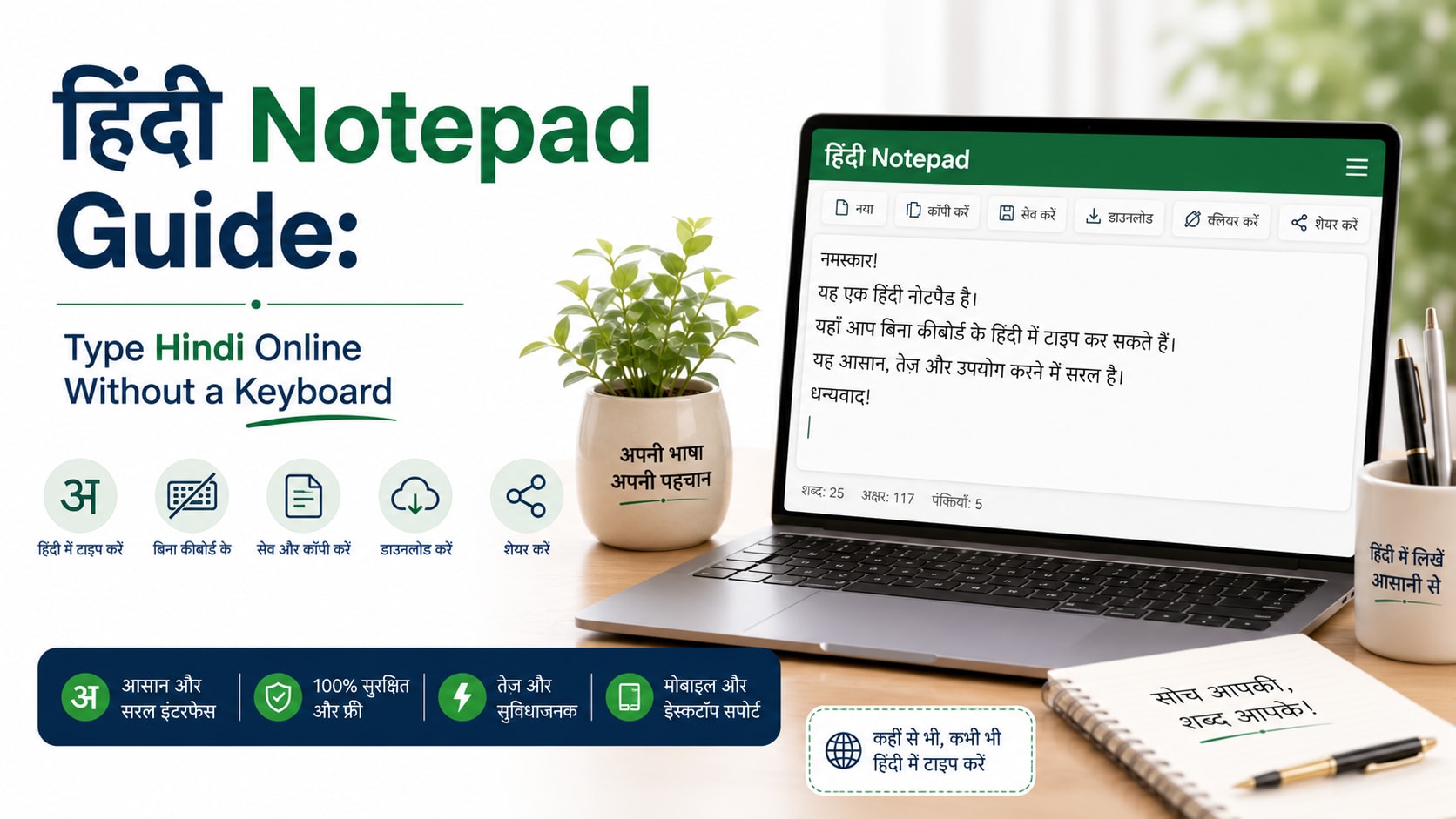
Want to type in Hindi but don't have a Devanagari keyboard? A Hindi notepad lets you write in Hindi using simple English phonetics — no fonts or keyboard layouts to install.
What is Hindi Notepad Guide?
A Hindi notepad is an online editor that converts English phonetic input into Hindi (Devanagari) script as you type. Type 'namaste' and get 'नमस्ते'. It's the fastest way to write Hindi on any device without setup.
How to use it
- Start typing Hindi words using English spelling (e.g. 'dhanyavaad').
- Watch them convert to Devanagari script automatically.
- Use the on-screen keyboard for any characters you need directly.
- Copy your text or download it as a file when finished.
Key features
- Phonetic typing — Write Hindi using familiar English letters — no new layout to learn.
- No installation — Works in the browser; no fonts or keyboard drivers required.
- Auto-save & word count — Your text is saved locally and counted as you write.
- Download support — Export your Hindi text as a .txt file.
Tips to get the most out of it
- Spell words the way they sound for the most accurate conversion.
- Use the virtual keyboard for matras and special characters.
- Great for messaging, social posts, essays, and official documents.
Frequently asked questions
Do I need a Hindi keyboard?
No. Just type in English phonetics and it converts to Hindi automatically.
Will the Hindi text work elsewhere?
Yes, you can copy the Unicode Devanagari text into any app, document, or website.
Is it free?
Completely free with no login required.
Are my notes private?
Yes, everything stays in your browser.
Ready to try it? Open the tool and see your results instantly — it's free, needs no login, and runs entirely in your browser.
