JSON Formatter Guide: Beautify, Validate & Minify JSON Online
Raw JSON from an API is often a single unreadable line. A JSON formatter turns that mess into clean, indented, color coded structure you can actually read and debug.
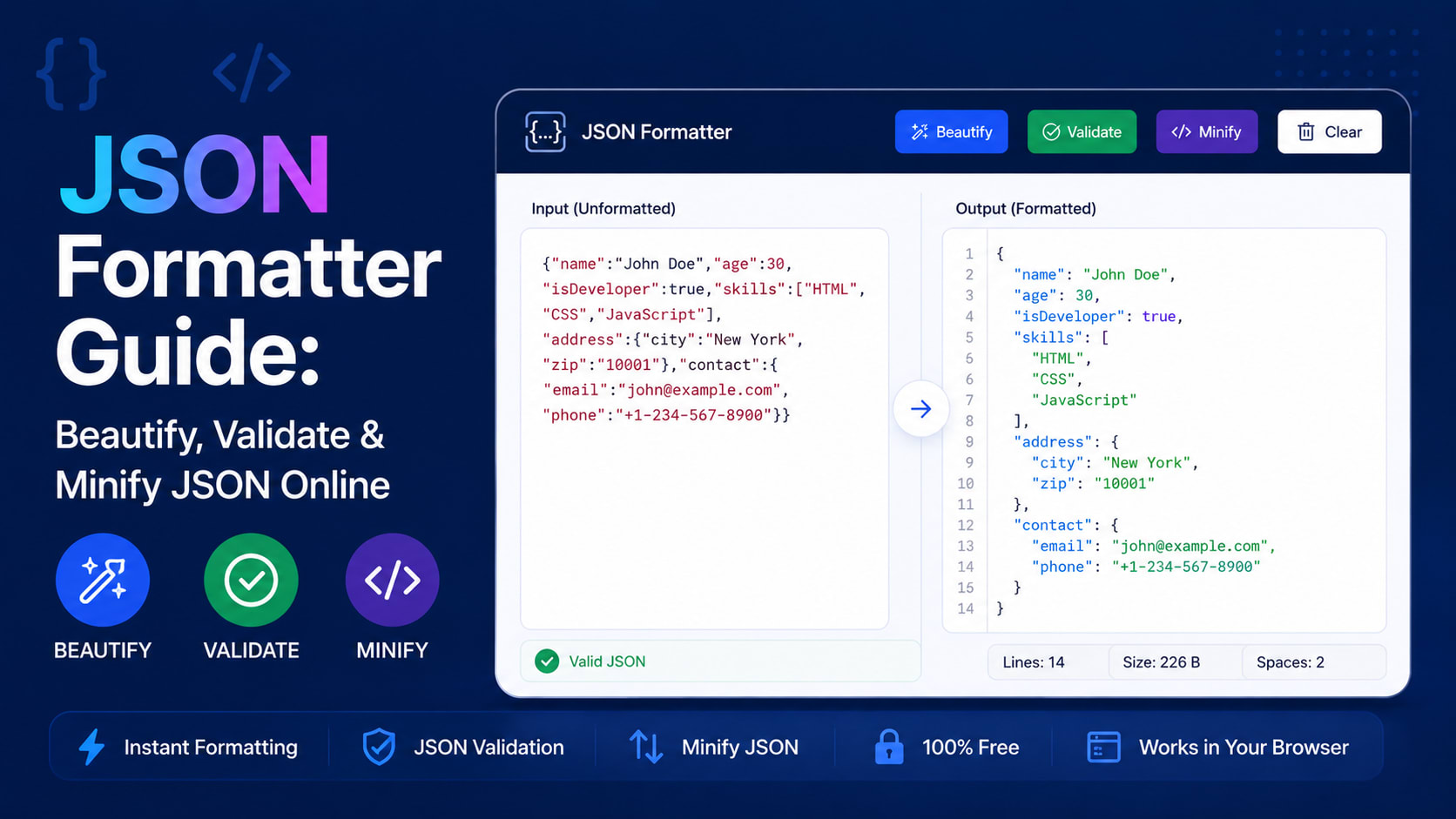
Raw JSON from an API is often a single unreadable line. A JSON formatter turns that mess into clean, indented, color-coded structure you can actually read and debug.
What is JSON Formatter Guide?
A JSON formatter (or beautifier) takes JSON text and re-indents it for readability, validates that the syntax is correct, and can minify it back down for production. The best ones also offer a collapsible tree view and detailed error messages.
How to use it
- Paste your JSON into the input area.
- The tool instantly validates it and flags any syntax errors with their location.
- Read the beautified, indented output or explore it as an interactive tree.
- Minify it to a single line when you're ready to ship, then copy the result.
Key features
- Instant validation — Catch missing commas, brackets, and quotes with clear error locations.
- Beautify & minify — Switch between human-readable and compact production formats.
- Tree view — Explore deeply nested objects and arrays without getting lost.
- Runs locally — Your data never leaves your browser — safe for sensitive payloads.
Tips to get the most out of it
- Use minify before embedding JSON in a URL or config to save bytes.
- Validate API responses here before assuming a bug is in your code.
- The tree view is great for understanding an unfamiliar API's structure.
Frequently asked questions
What does 'beautify JSON' mean?
It re-formats JSON with consistent indentation and line breaks so it's easy to read.
Is my JSON sent to a server?
No, all formatting and validation happen in your browser.
Why is my JSON invalid?
Common causes are trailing commas, single quotes instead of double quotes, or unclosed brackets — the validator points to the exact spot.
What's the difference between minify and beautify?
Beautify adds whitespace for readability; minify removes it for the smallest possible size.
Ready to try it? Open the tool and see your results instantly — it's free, needs no login, and runs entirely in your browser.
