Diff Checker Guide: Compare Two Texts and Spot Every Change
Trying to figure out what changed between two versions of a document, config, or code snippet? A diff checker highlights every addition, deletion, and edit so nothing slips past yo
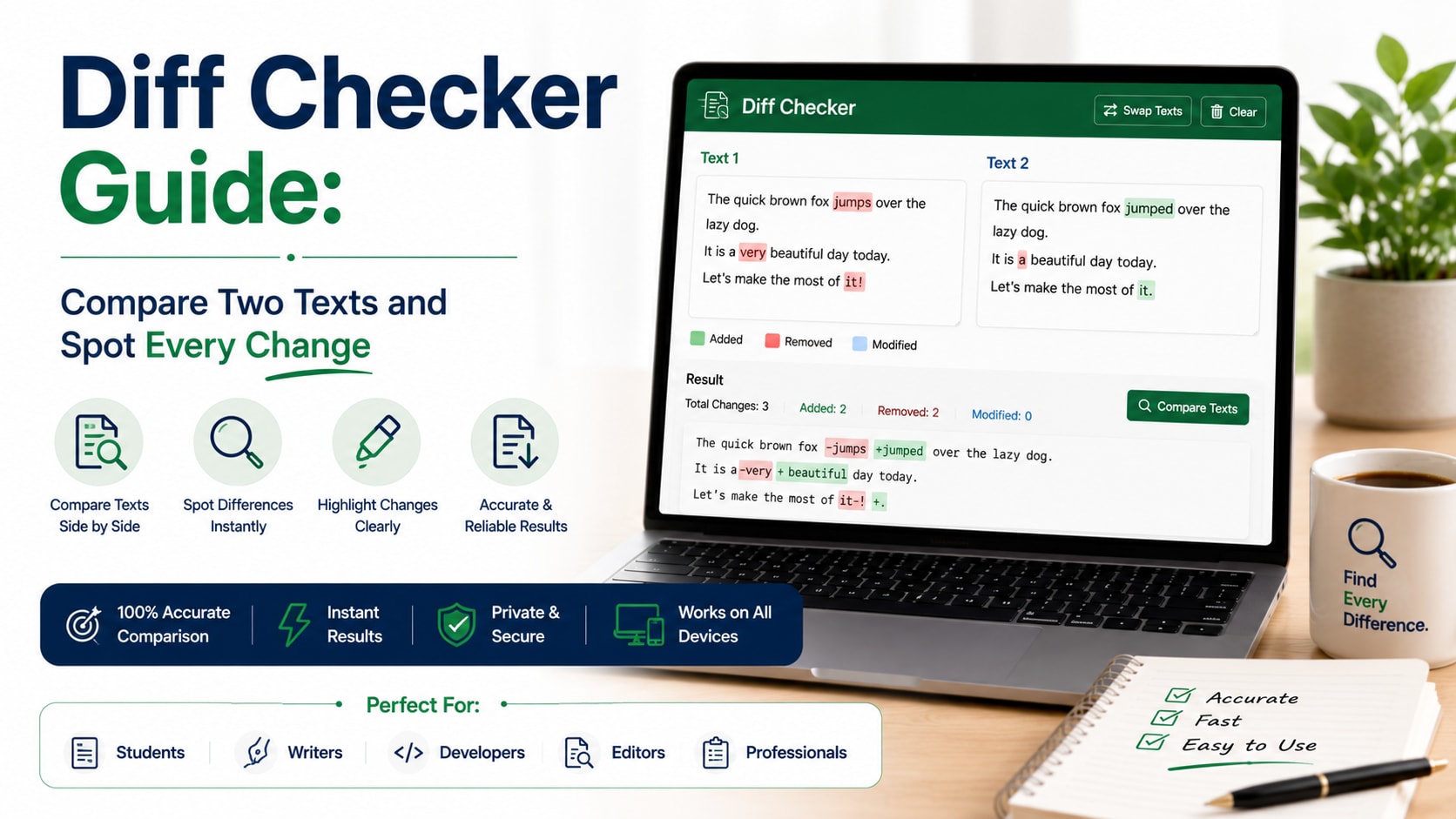
Trying to figure out what changed between two versions of a document, config, or code snippet? A diff checker highlights every addition, deletion, and edit so nothing slips past you.
What is Diff Checker Guide?
A diff checker compares two blocks of text and highlights the differences line by line — and often character by character. It's the same concept developers use in version control, available instantly in your browser for any text.
How to use it
- Paste the original text on one side.
- Paste the changed text on the other side.
- Instantly see added, removed, and modified lines highlighted in color.
- Toggle between split and unified views to read the changes your way.
Key features
- Line-by-line comparison — Clearly see which lines were added, removed, or changed.
- Character-level highlights — Pinpoint exactly what changed within a modified line.
- Split & unified views — Choose side-by-side or inline depending on your preference.
- Private & instant — Everything runs locally — paste sensitive text without worry.
Tips to get the most out of it
- Use it to proofread edits between two drafts of an article or contract.
- Compare config files to track down what changed between environments.
- Paste API responses to spot subtle differences between two calls.
Frequently asked questions
What does a diff checker do?
It compares two texts and highlights every difference so you can see exactly what changed.
Is my text uploaded anywhere?
No, the comparison runs entirely in your browser.
Can it compare code?
Yes, it works with any plain text including code, JSON, CSV, and prose.
What's the difference between split and unified view?
Split shows the two texts side by side; unified shows changes inline in a single column.
Ready to try it? Open the tool and see your results instantly — it's free, needs no login, and runs entirely in your browser.
