Barcode Generator Guide: Code 128, EAN-13, UPC & More
From retail products to inventory labels, barcodes encode data in a form any scanner can read. A barcode generator lets you create standards compliant codes and download them for p
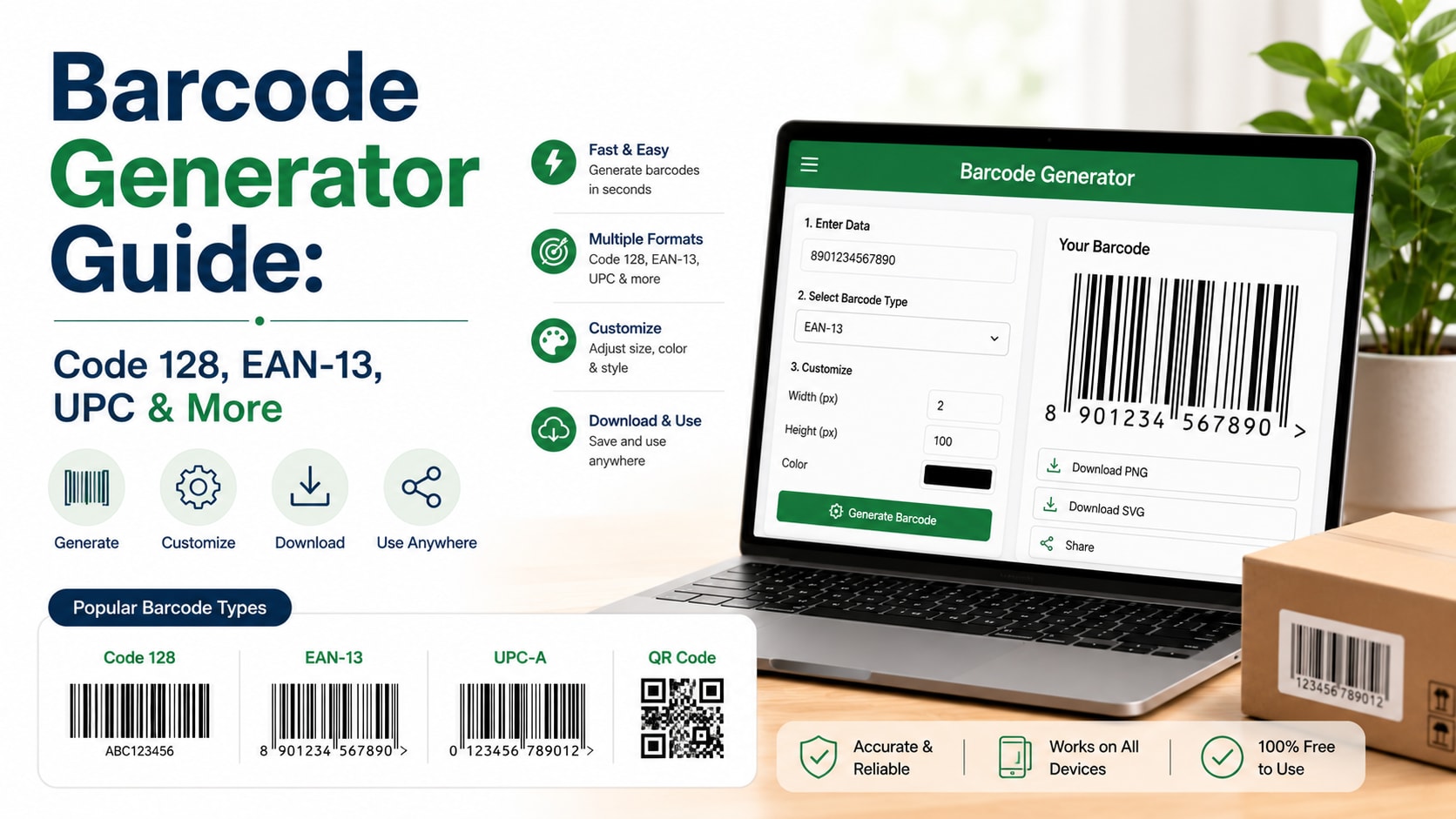
From retail products to inventory labels, barcodes encode data in a form any scanner can read. A barcode generator lets you create standards-compliant codes and download them for printing.
What is Barcode Generator Guide?
A barcode is a machine-readable pattern of bars and spaces that encodes numbers or text. A barcode generator creates these patterns in standard symbologies like Code 128, EAN-13, and UPC-A, ready to download as an image.
How to use it
- Pick the barcode type (symbology) you need.
- Enter the data to encode — a number or text depending on the type.
- Adjust size and colors if needed.
- Download the barcode as a PNG or SVG and print it on labels.
Key features
- 10+ symbologies — Code 128, Code 39, EAN-13, EAN-8, UPC-A, UPC-E, ITF-14, Codabar, MSI, and Pharmacode.
- Validation — The tool checks that your data is valid for the chosen barcode type.
- PNG & SVG export — Raster for screens, vector for crisp printing at any size.
- Customizable — Tweak dimensions and colors to fit your labels.
Tips to get the most out of it
- Use EAN-13 or UPC-A for retail products sold through stores.
- Code 128 is a great all-purpose choice for internal inventory and shipping.
- Print with high contrast and a quiet zone (margin) so scanners read reliably.
Frequently asked questions
Which barcode type should I use?
EAN-13/UPC-A for retail, Code 128 for general use, ITF-14 for shipping cartons.
Are these barcodes free to use?
Yes — generate and download as many as you like at no cost.
Can I print these on labels?
Absolutely; download the SVG for the sharpest print results.
Is my data uploaded?
No, barcodes are generated locally in your browser.
Ready to try it? Open the tool and see your results instantly — it's free, needs no login, and runs entirely in your browser.
